Watch it cut a real video
What is this?
Your long-form has shorts/reels hiding in it.
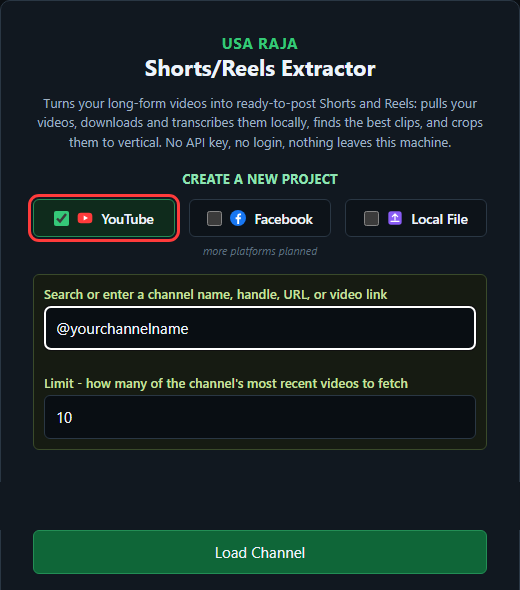
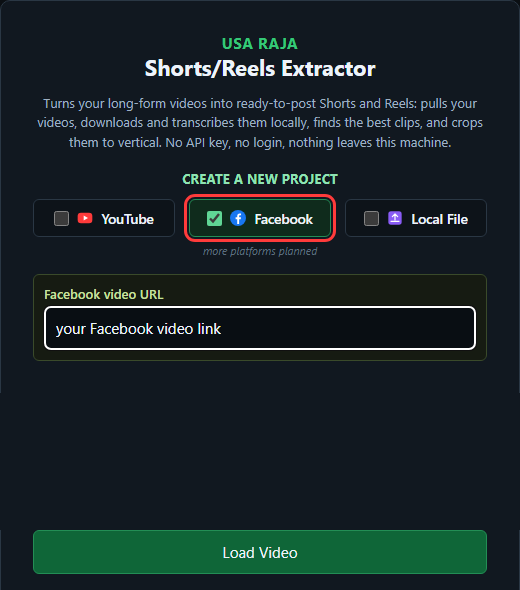
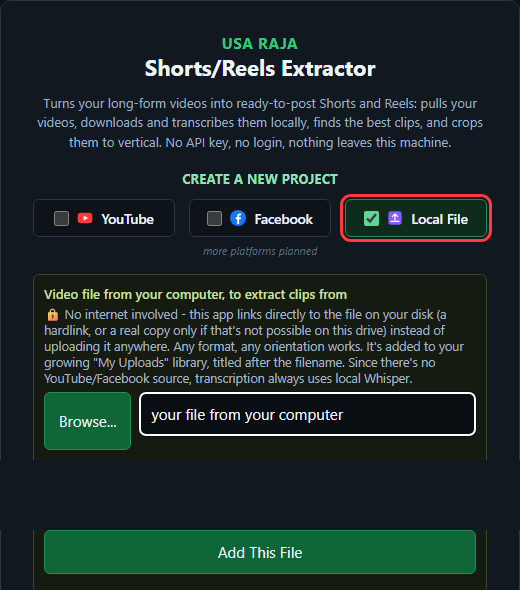
How it is done
What are we solving
A Full Day
5separate, repetitive stepsA Few Minutes
One click. Everything happens automatically.
to cut, caption, and upload by hand
hands-off, one click to start
Getting Started
Try it free, or buy outright — every step, from click to your first exported Short.
Choose your path
Click "1-Day Free Trial" to try it free, or "Buy Now" for the one-time $79 license — no subscription either way. The steps below are different from here, so pick the column that matches what you clicked.

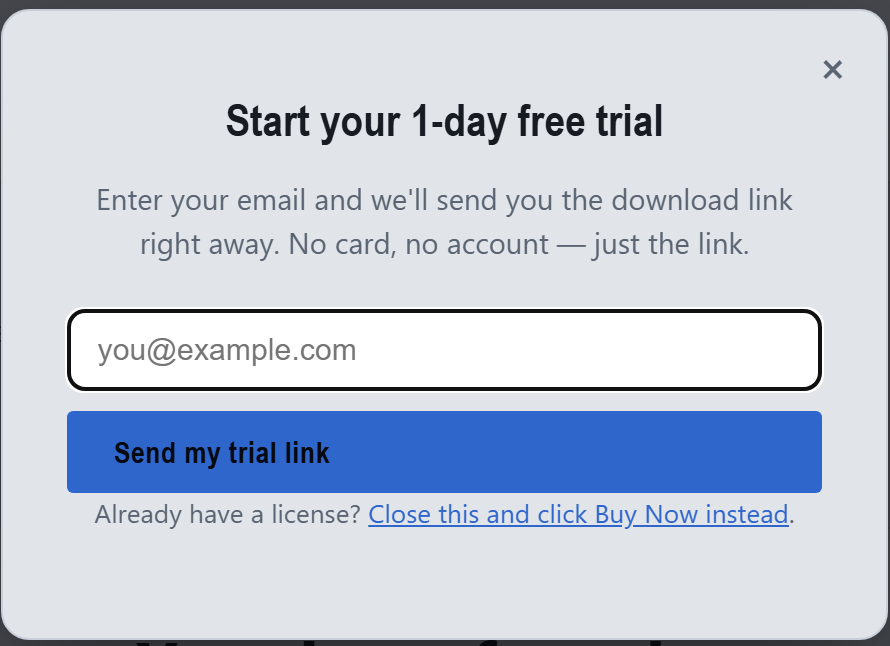
Enter your email
No card, no account — just an email address, and the download link is on its way.
Check your inbox
The email has a direct download link — install and launch within your 1-day trial window.
Your Shorts/Reels Extractor 1-day trial
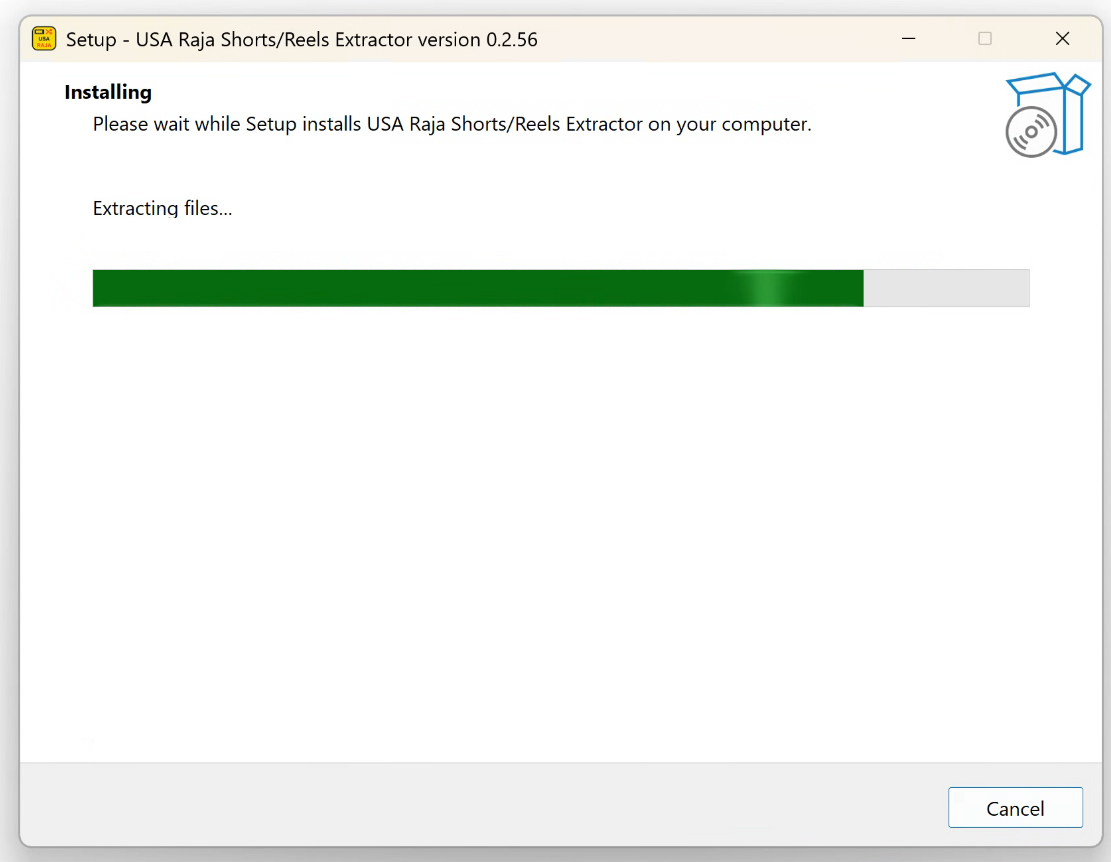
Install
A couple of clicks, nothing to configure. You may see a "Windows protected your PC" alert first — that's expected for a new small-team app, just click Run anyway.
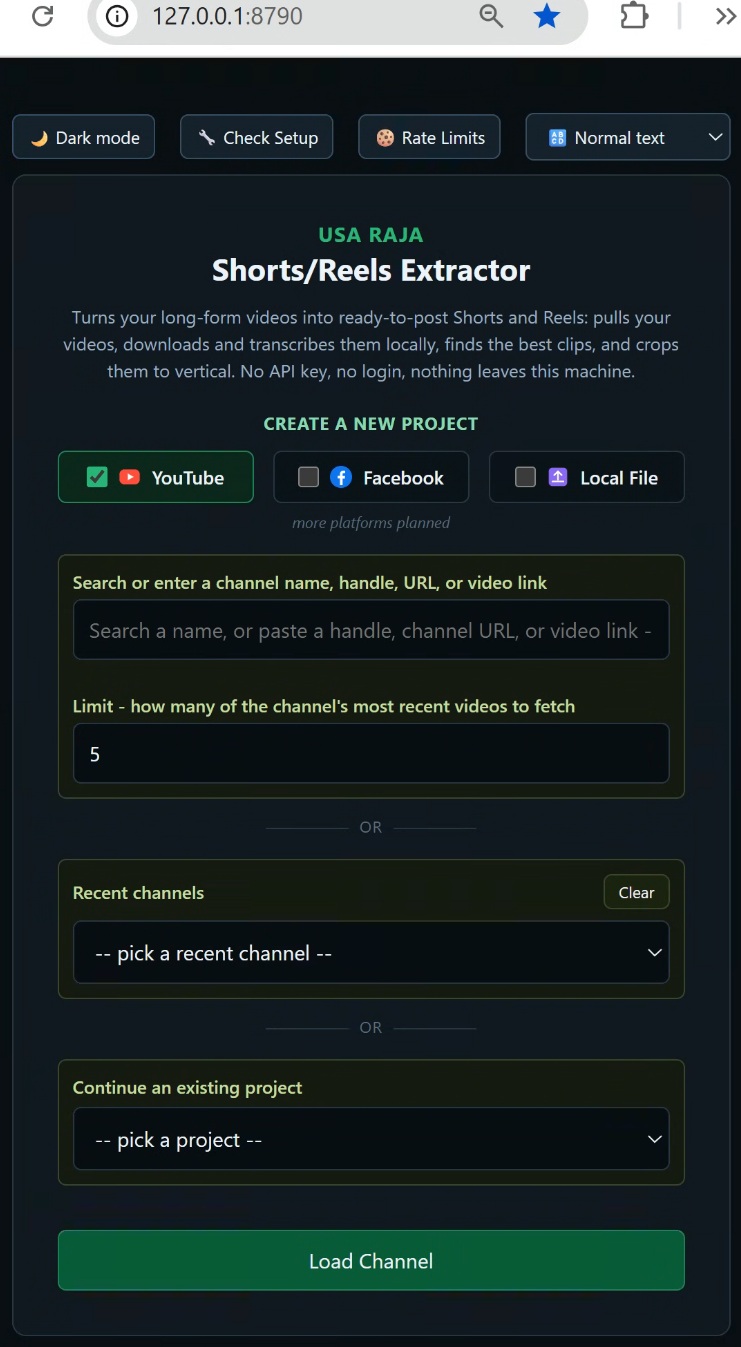
First launch
A quick splash screen appears, then the app opens straight to the dashboard — during your trial, everything's already unlocked, no key needed.
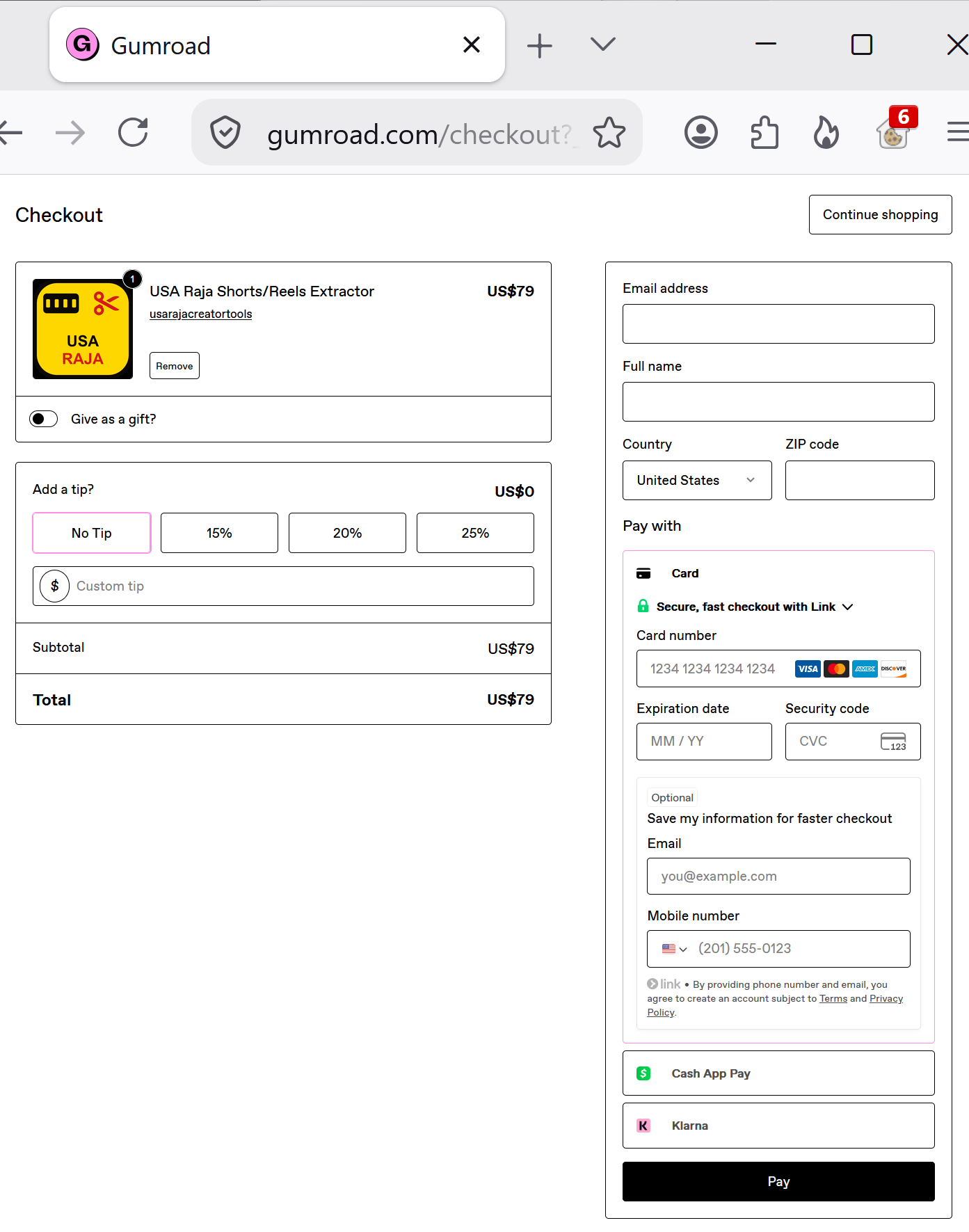
Checkout
One-time $79 — card, PayPal, Google Pay, Cash App Pay, or Klarna. No subscription.
Get your license key
Right after payment, your license key arrives by email — along with the install steps.
Download Shorts/Reels Extractor — thanks for your purchase!
Install
A couple of clicks, nothing to configure. You may see a "Windows protected your PC" alert first — that's expected for a new small-team app, just click Run anyway.
Activate
Paste your license key into the app and click Activate — it fetches the rest automatically.
USA RAJA
Shorts/Reels Extractor
This computer's ID
License key or activation code
Both paths end up here
Connect YouTube — optional
Not required. Point it at your own channel's videos without connecting. Connecting your account just adds one-click auto-upload.
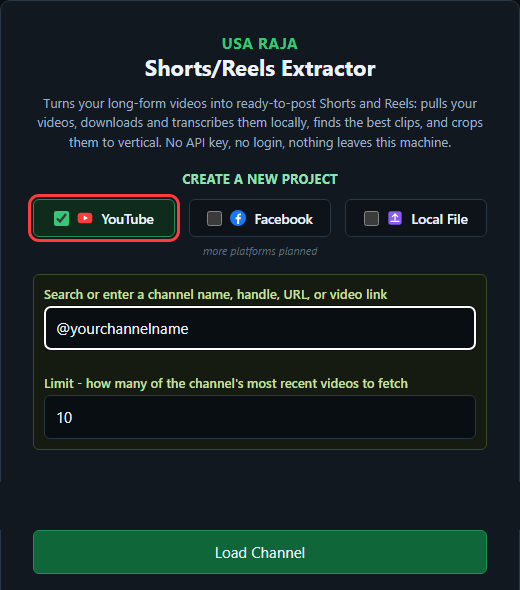
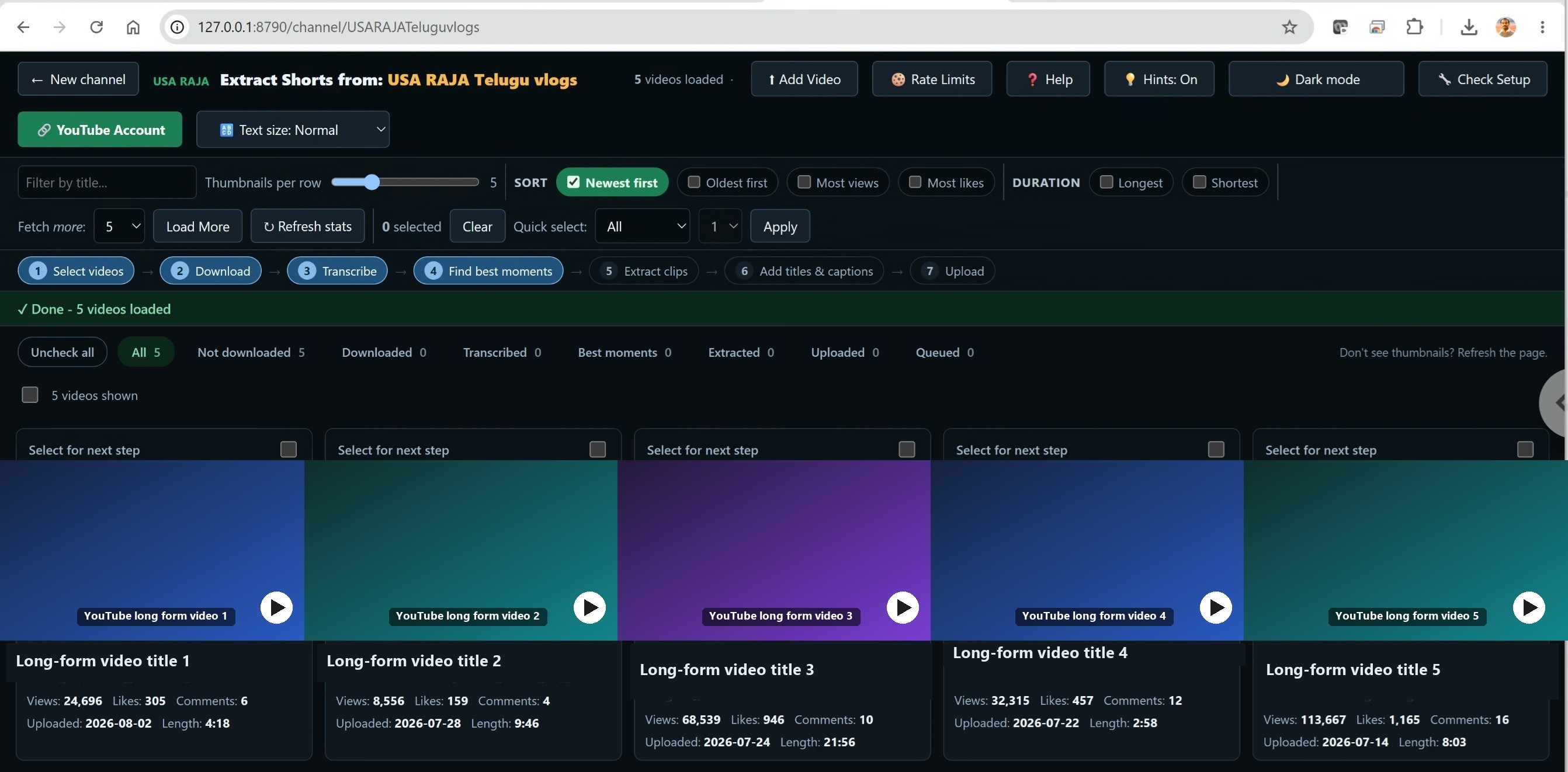
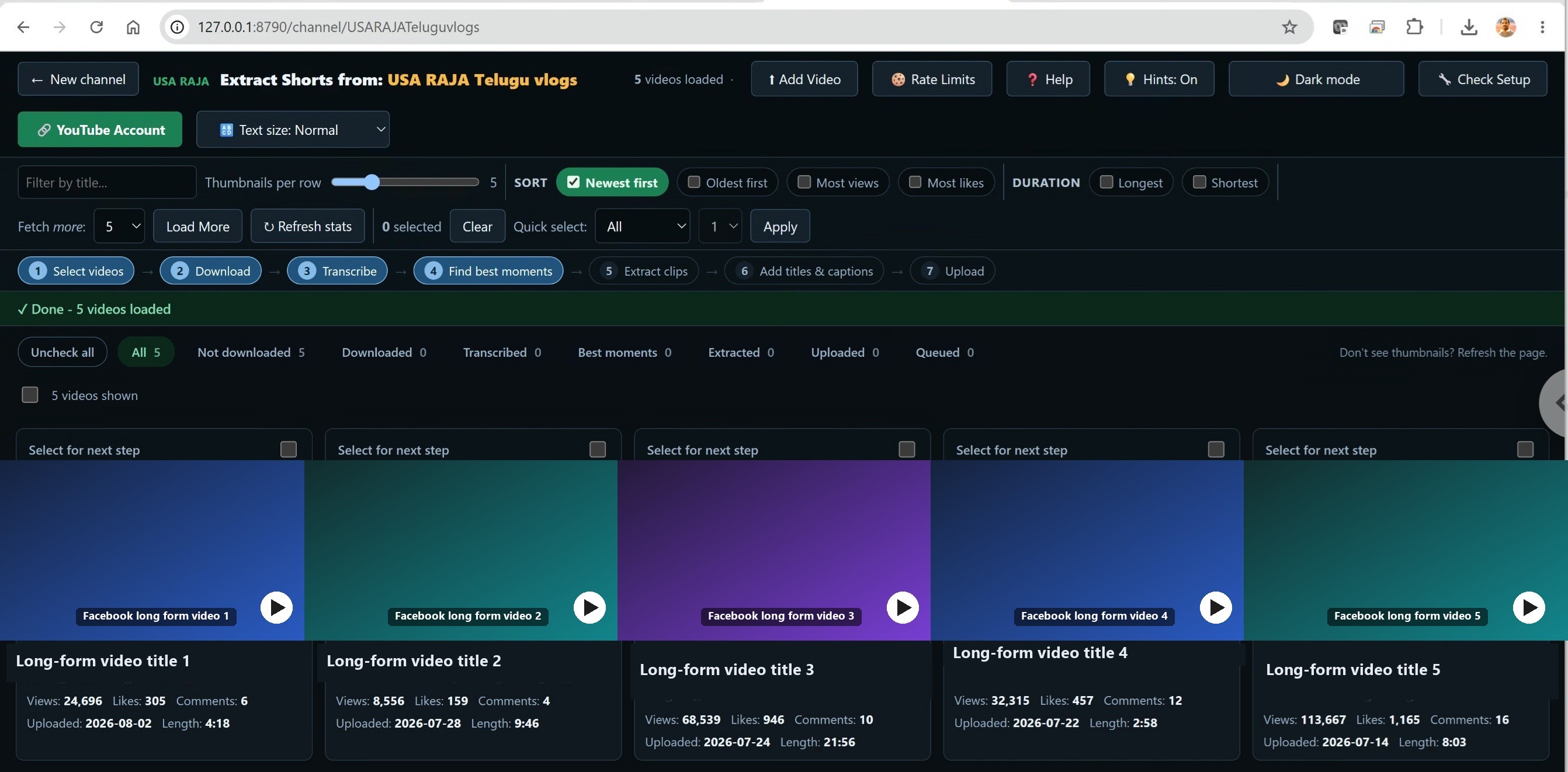
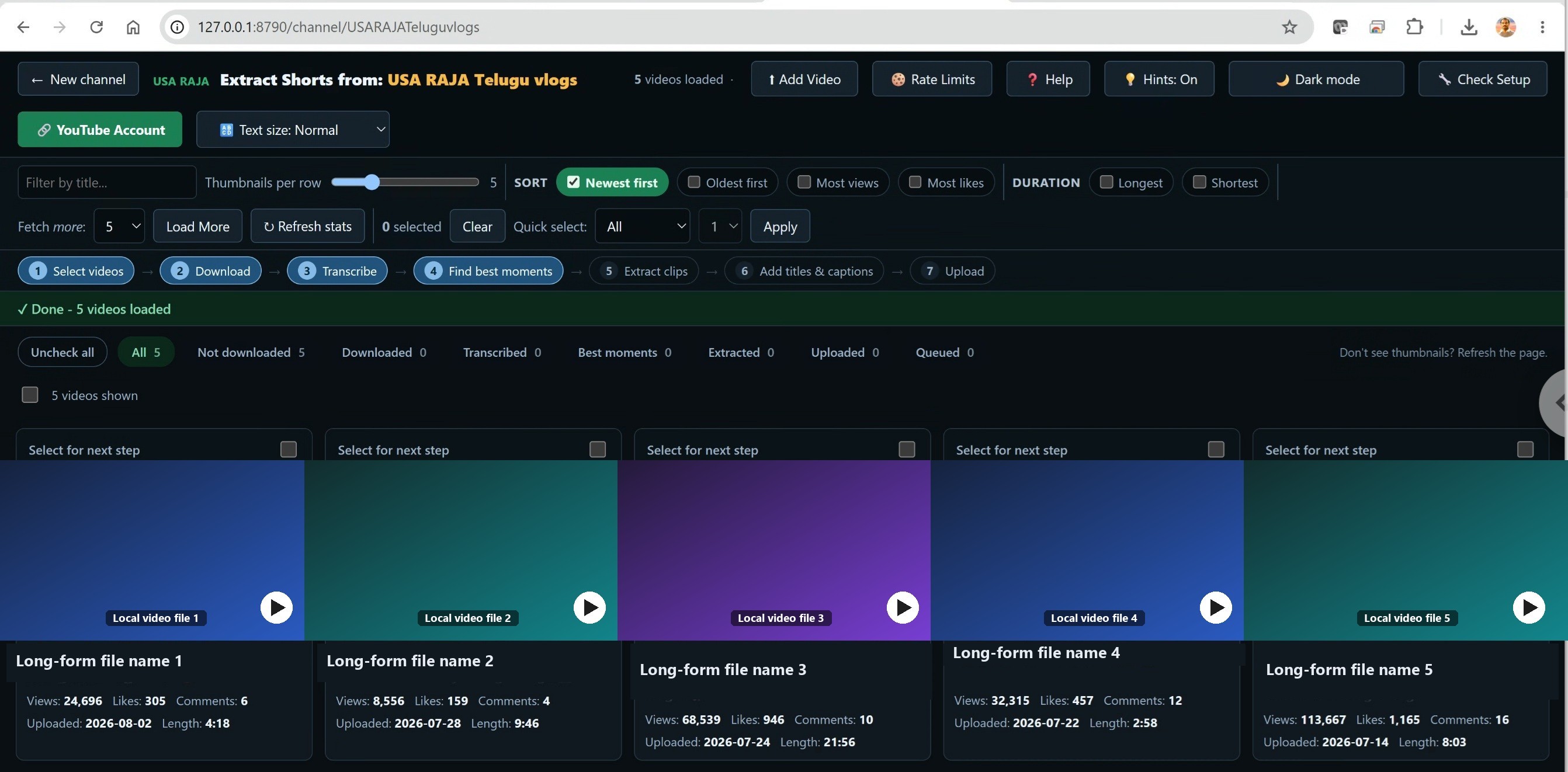
Extract — from any source
Same tool, same steps, whether you convert from your own channel or a file.
Requirements
- Windows
- No GPU required
- ffmpeg (bundled)
- No API key or login to extract
- 4GB+ RAM (less works too, slower)
First-time setup downloads the transcription engine (a few minutes). Transcribing is slower on lower-memory computers — the app automatically picks a smaller, faster model to match what your machine has free.
Pricing
One-time purchase. Yours to keep. No credits, no per-clip meter, no subscription.
FAQ
Does this need a powerful GPU?
No — it's CPU-only by design, so it runs on the machine you already have.
Can I use this on any YouTube or Facebook video, or just my own?
This app is built for creators repurposing their own long-form videos into Shorts and Reels — so it's meant for your own channel or page, or any video you have the rights holder's permission to download, edit, and republish this way. Before processing any link, the app asks you to confirm you have that right. See our Acceptable Use Policy for the full detail.
Is there a free trial?
Yes — click "1-Day Free Trial" at the top of this page and enter your email; we'll send you the download link right away. Every feature is unlocked for 24 hours from when you first launch it, no card required. After that you'll need a license to keep using it.
Is this a one-time purchase or a subscription?
One-time purchase — $79, once. No monthly fee, no credits to run out of, no subscription to cancel. You own the license and the app keeps working.
What if I get a new computer, or need to reinstall?
Your license works on one computer at a time. Just try activating it on the new machine — if it says the license is already active elsewhere, click the link that appears to move it over instantly. No need to contact support.
Can I adjust the clips after they're cut?
Yes — the auto-cut clips are just a starting point. On the Best Moments screen, use "Watch & mark start/end" (or type the times directly) to adjust any clip's boundaries, or carve out an entirely new clip by hand the same way.
Does my video get uploaded anywhere?
No — scoring and cutting happen locally on your machine.
What if I get stuck?
Email [email protected] — real answers, typically within a business day.
What's your refund policy?
You can try the full app free for 1 day before spending anything, so there's no need to buy blind. Because of that, purchases are final, except where a refund is required by applicable law. If you were charged twice, email [email protected] within 7 days of purchase and we'll refund the duplicate charge.
If you've tried other AI clip tools
If you've used tools like Opus Clip, Klap, or Vidyo.ai, you already know what AI clip extraction looks like. Shorts/Reels Extractor does the same core job — pulls from a YouTube or Facebook channel (or local files), then scores and cuts ready-to-post Shorts and Reels with auto captions — as a single $79 one-time purchase instead of a monthly subscription. Your video is never uploaded anywhere; scoring and cutting happen locally on your machine. Watch it work above, or try it free for 1 day — no card required.
Stop slicing your long-form by hand. Let it get scored instead.
Don't need to pull from a YouTube or Facebook channel — just have local video files already on your computer? USA Raja Clips is our simpler, fully offline sibling tool.
Try USA Raja Clips →